
The 5-Year Tech Audit: When Do You Really Need to Upgrade Your Electronics?
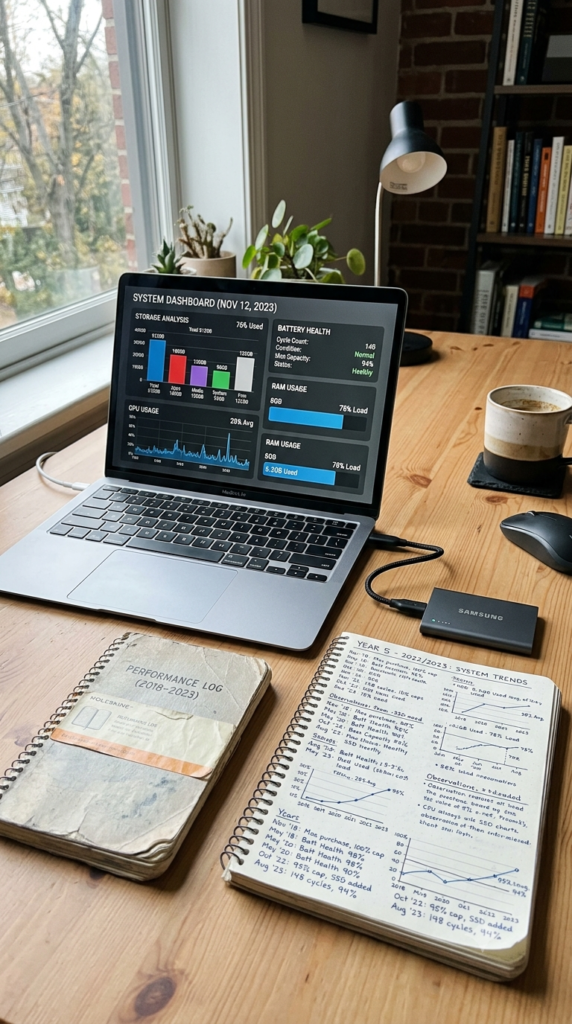
For years, I followed the same routine as many people around me.
Every time a new phone launched, I convinced myself mine had become “too slow.”
Every few years, I replaced my laptop before it actually failed.
Looking back, I realized many of those upgrades were driven more by marketing than by real performance needs.
So I decided to do something different.
For five years, I tracked the performance of every major electronic device I used—phones, laptops, tablets, monitors, and desktop computers.
Instead of asking, “What’s new?”
I asked,
“Is my current device actually limiting what I do?”
The results completely changed how I spend money on technology.
Starting With Real Usage Instead of Marketing
Rather than focusing on benchmark scores, I tracked everyday performance.
How long did programs take to open?
How quickly did files sync?
How often did applications freeze?
How long did batteries last during a normal workday?
How much storage remained available?
Most surprising of all, many devices still performed extremely well after four or even five years.
The Biggest Performance Killer Wasn’t Age
Across nearly every device, one pattern appeared repeatedly.
Storage filled up.
Background apps multiplied.
Software became cluttered.
After cleaning unnecessary files, uninstalling unused applications, and updating operating systems, many devices immediately felt dramatically faster.
What looked like aging hardware was often just years of digital clutter.
Laptops Last Longer Than Most People Think
A quality laptop used for office work, web browsing, spreadsheets, writing, and video calls often remained perfectly capable for five years or longer.
Replacing an aging battery restored several more years of practical use.
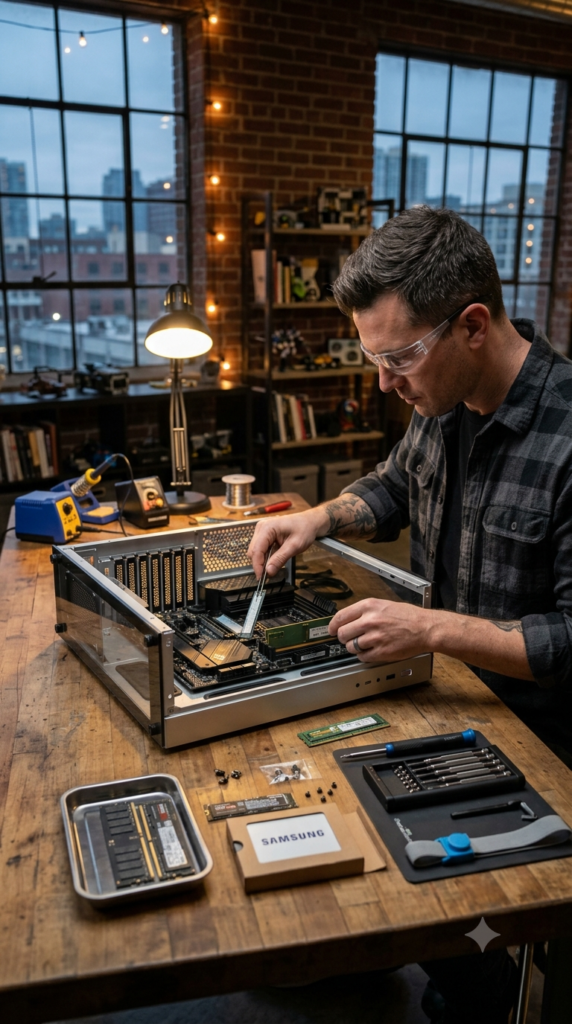
Adding additional memory or upgrading storage delivered noticeable improvements at a fraction of the cost of buying a new computer.
Smartphones Reach a Different Timeline
Phones tend to age faster, but not always because processors become obsolete.
Battery health usually becomes the deciding factor.
After three to four years, many phones simply cannot hold enough charge for an entire day.
Replacing the battery often makes the phone feel surprisingly new again.
Unless software support has ended or repair costs become excessive, replacing the entire device is often unnecessary.
Tablets Age Gracefully
Tablets used for reading, note-taking, streaming, and light productivity showed the slowest performance decline.
Many remained highly usable after five years with only routine software updates.
For casual users, a tablet often outlasts several smartphone upgrade cycles.
Desktop Computers Tell Another Story
Unlike mobile devices, desktops can usually be upgraded piece by piece.
Adding more RAM.
Installing a faster SSD.
Replacing a graphics card.
These smaller investments often extend the useful life of a computer far beyond five years.
Instead of replacing everything, upgrading only what limits performance proved significantly more economical.
The Hidden Cost of Frequent Upgrades
Every unnecessary replacement carries costs beyond the purchase price.
Transferring data.
Learning new software.
Buying accessories.
Replacing chargers, cases, cables, and adapters.
Even small expenses accumulate over time.
Waiting one additional year before upgrading often saves hundreds—or even thousands—of dollars over a decade.
Questions Worth Asking Before Buying Something New
Before replacing any device, I now ask myself five simple questions.
Is it preventing me from completing my work?
Has software support officially ended?
Would replacing the battery solve the problem?
Would a storage or memory upgrade restore performance?

Am I buying because I need it—or because I want the newest model?
Those questions have prevented several expensive purchases.
The Five-Year Verdict
Technology continues evolving rapidly.
But our real needs evolve much more slowly.
For many households, a well-maintained laptop can remain productive for five to seven years.
A smartphone often delivers excellent value for four years or more with a healthy battery.
A desktop computer may continue serving reliably for nearly a decade through gradual upgrades.
The biggest lesson wasn’t about processors, memory, or artificial intelligence.
It was about intentional ownership.
The most valuable technology isn’t always the newest.
It’s the technology that continues helping you accomplish meaningful work without unnecessary spending.
Sometimes the smartest upgrade isn’t buying something new.
It’s taking better care of what you already own.